Most Joomla template decisions are made in ten minutes and lived with for years. The demo looks great, the price is right, and then you discover the menu system does not match your site structure or the template has not been updated since Joomla 4. A short checklist up front saves weeks of workarounds later.
Here is the process worth following before you buy.
1. Check the Joomla version it actually targets
“Joomla compatible” is not specific enough in 2026. Look for an explicit Joomla 5 or Joomla 6 target on the product page. Templates built for Joomla 4 can run on newer releases, but they may rely on deprecated APIs or carry a legacy Bootstrap version you will fight with later.
Two questions to ask:
- Which Joomla version does the quickstart package install?
- When was the template last updated?
A template that supports Joomla 6 and ships updates within the last few months is a safer bet than one with a beautiful demo and a two-year-old changelog.
2. Open the demo on a phone first
Designs are usually reviewed on a desktop monitor, but most visitors arrive on a phone. Open the live demo at a narrow width and check the parts that break first:
- The mobile menu — does it open, close and stay usable?
- Tables and pricing blocks — do they scroll instead of overflowing?
- Forms — can you actually type in them without zooming?
- Page speed — how long does the first screen take to load?
If the demo feels slow on a fast connection, your real site with real content will feel worse.
3. Match the template to your content structure, not just the colours
A template is a layout system. Before falling for the homepage, count what you actually need:
| You need | Check in the demo |
|---|---|
| A blog | Article list, single post layout, category filtering |
| An online shop | Product grid, cart and checkout styling |
| A team or services site | Team cards, service pages, contact forms |
| A portfolio | Project grids, lightbox galleries, case-study pages |
If the template has no sensible article layout, you will rebuild one with overrides. That is fine when you know it; it is a surprise when you do not.
4. Read the feature list like a developer
Marketing copy lists “unlimited colours” and “50+ pages”. The useful details are less glamorous:
- Template framework: does it use a maintained framework or a custom one?
- Module positions: are there enough positions, with sensible names?
- Overrides: can you override core layouts without editing template files?
- Accessibility: keyboard navigation, focus states, heading order.
- Third-party extensions: is the template tested with the ones you plan to use?
For a business site, for example, a template with a clean services layout and a tested contact form saves more time than one with twenty homepage variations. Our business template picks show how much the layout varies between otherwise similar designs.
5. Compare the total cost, not the sticker price
Template prices are one-time, but the total cost includes:
- The licence tier you need for your number of sites.
- Optional installation or customisation services.
- Extensions bundled in the quickstart that require their own licences after a trial period.
- Your time to replace demo content and rebuild menus.
A slightly more expensive template with a well-documented quickstart and active support is usually cheaper than a bargain template you have to debug alone.
6. Look for evidence of ongoing support
Support quality is hard to judge before you buy, so look for signals:
- A changelog with recent entries.
- Documentation that covers installation, not just the demo.
- A support channel with a stated response time.
- Screenshots of the current demo, not a 2022 build.
If the product page has no changelog and the demo still references Joomla 4, treat it as a legacy product and price your time accordingly.
A quick decision rule
If you are undecided between two templates, pick the one whose demo you can navigate with the keyboard and whose product page states a current Joomla version and a recent update. Those two signals correlate with everything else that matters: maintainable code, accessible markup and a seller who is still paying attention.
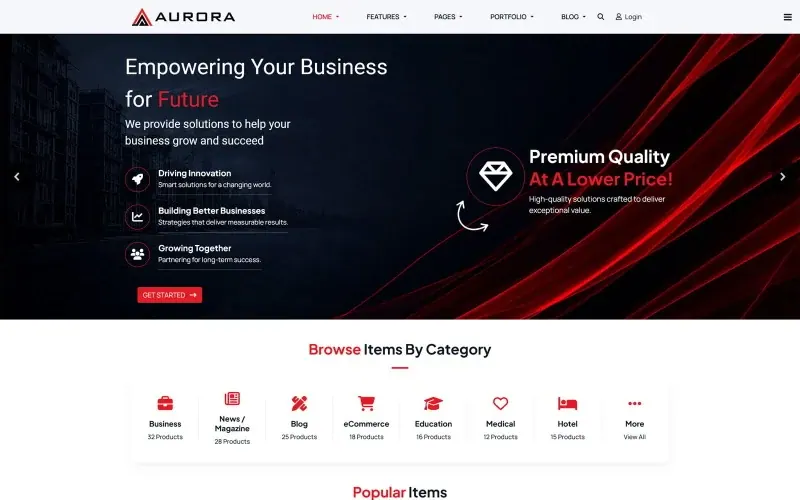
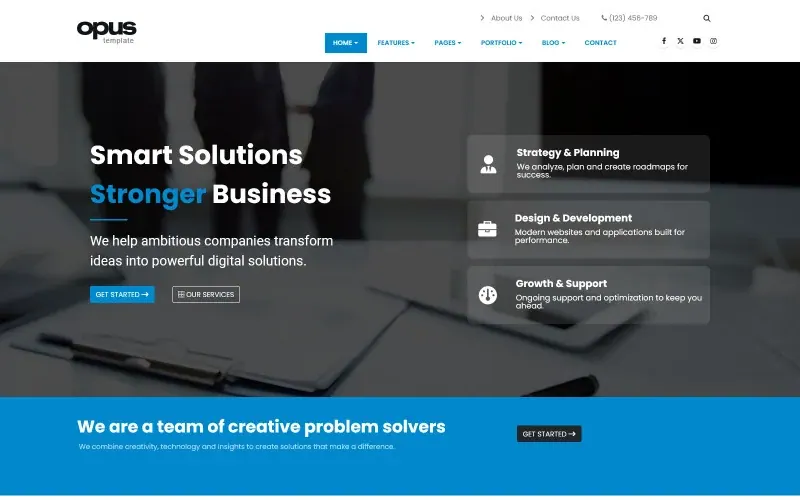
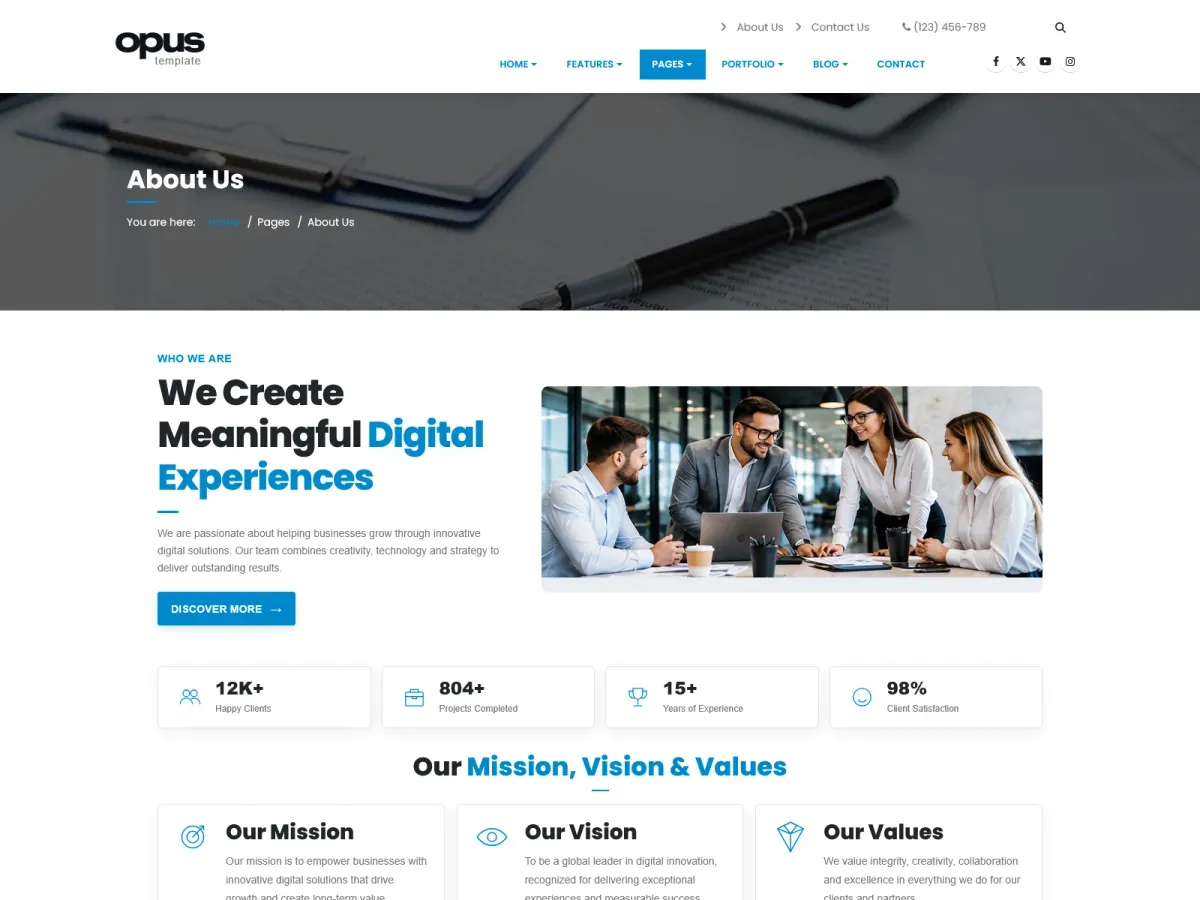
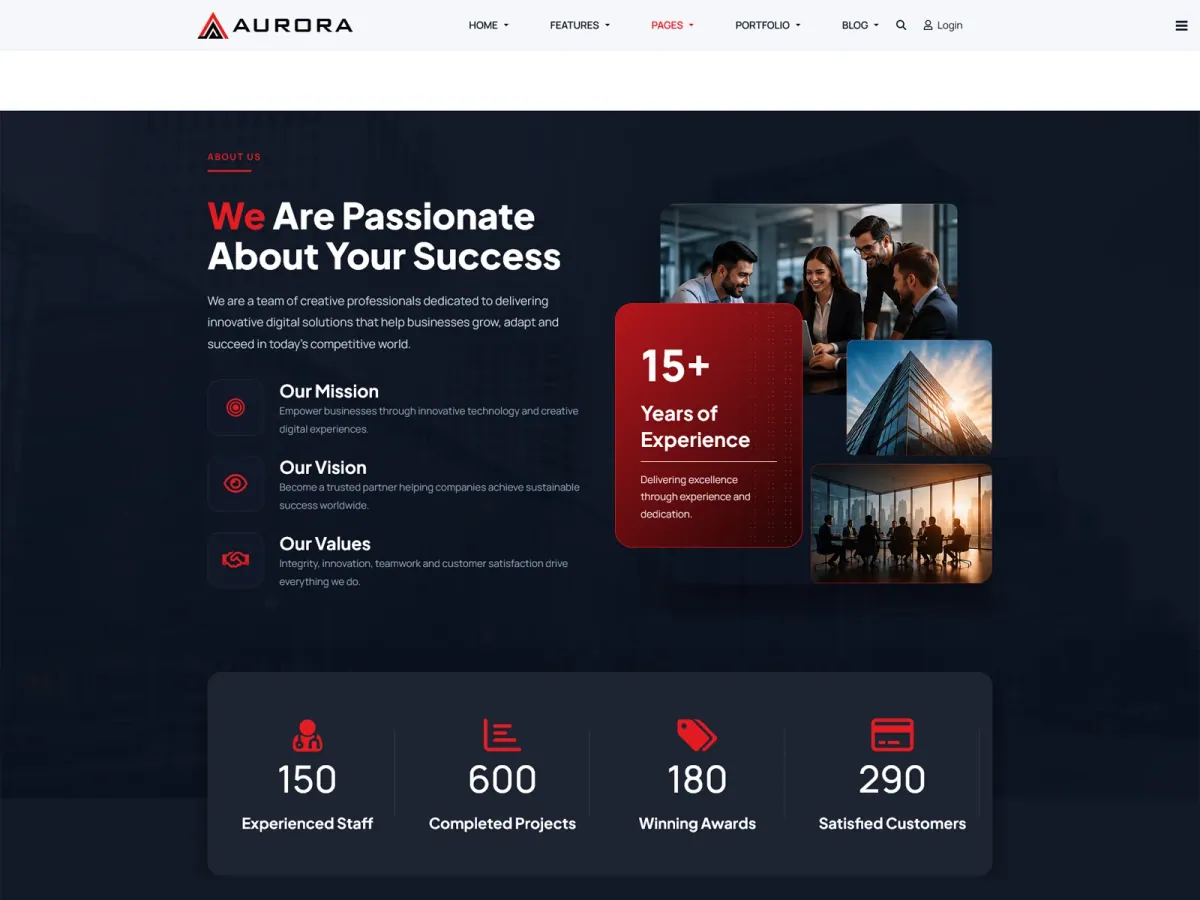
When you are ready to compare specifics, browse the template previews — screenshots, features and pricing are captured from the official listings. Two recent examples that follow this checklist well are Aurora for corporate sites and Opus for service businesses.
The best template is not the prettiest one. It is the one you can still maintain two Joomla upgrades from now.