Most premium Joomla templates ship with two things: the template itself and a quickstart package. The template is a zip you install on your existing site. The quickstart is a complete Joomla installation — template, demo content, menus, modules and sample images — preconfigured so the site looks like the demo immediately.
That sounds like a shortcut, and it is. But it is also the step where people accidentally delete their existing content. Here is how to decide which route to take.
What a quickstart package actually contains
A quickstart is a full site backup, not an extension. Depending on the seller, it typically includes:
- A complete Joomla installation with the template pre-set as default.
- The demo’s articles, categories, menus and modules.
- Bundled extensions used by the demo (sliders, galleries, forms).
- Sample images and placeholder logos.
- A SQL file or installer that recreates the demo database.
Because it is a full installation, you deploy it like a new site: upload it, run the Joomla installer, and point a database at it.
Use a quickstart when you are starting from zero
The quickstart is the right choice when:
- The site is new. There is no existing content to lose, and the demo gives you a working structure to edit.
- You want to learn the template. Seeing the demo’s module positions and menu structure is faster than reading documentation.
- You need the full design quickly. A landing page with the demo’s section order is a strong starting point for a small business site.
- You can work on a staging domain first. Install the quickstart on a subdomain, customise it, then move it to the live domain.
If you are building a brochure site for a restaurant, a clinic or a small agency, a quickstart plus your own copy and images is often a one-day job. Our template previews show what the demo layouts look like before you install anything.
Use the plain template install when you already have a site
Install only the template package when:
- You have existing articles, users and menus. A quickstart would overwrite the database.
- You are migrating a live site. Keep the database, switch the template, then adjust module positions.
- You want a controlled extension list. You decide which bundled extensions to install, not the demo.
- You are customising heavily. A clean template install with your own child template is easier to maintain than a demo with dozens of unused modules.
The rule of thumb: quickstart for a new site, template-only for an existing one. Mixing the two is how people lose a year of blog posts.
Checklist before installing a quickstart
If you go the quickstart route, prepare the environment first:
- Back up everything you cannot recreate — even if you think the site is empty.
- Use a fresh database. Never point a quickstart at the database of a live site.
- Check the PHP and Joomla versions required by the package. A quickstart built for Joomla 5 may need a specific PHP version.
- Remove demo content in one pass. Delete demo articles, categories, menus and users before adding yours.
- Replace the sample logo and favicon so the site does not ship with demo branding.
- Uninstall extensions you do not use. Fewer extensions means fewer update conflicts.
After installation: clean up like a developer
A quickstart is a starting point, not a finished site. Once the demo is running:
- Rename or delete the demo menus and create your own structure.
- Move the logo, favicon and template settings from the demo defaults to your brand.
- Check the template’s module positions and remove unused ones.
- Test the contact form and any bundled form extension.
- Run a quick performance pass: image sizes, caching and compression.
If the template includes a documentation section on quickstart cleanup, follow it — sellers know which demo modules are safe to remove.
When the quickstart is not enough
Some projects need a custom layout that no demo provides. In that case, install the template on a clean Joomla site, create a child template for overrides, and build the page structure yourself. It takes longer than a quickstart, but the result is easier to maintain across Joomla upgrades.
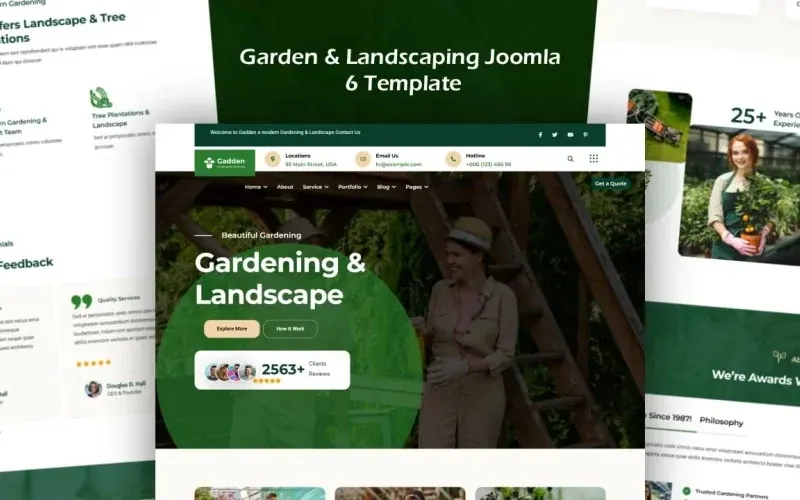
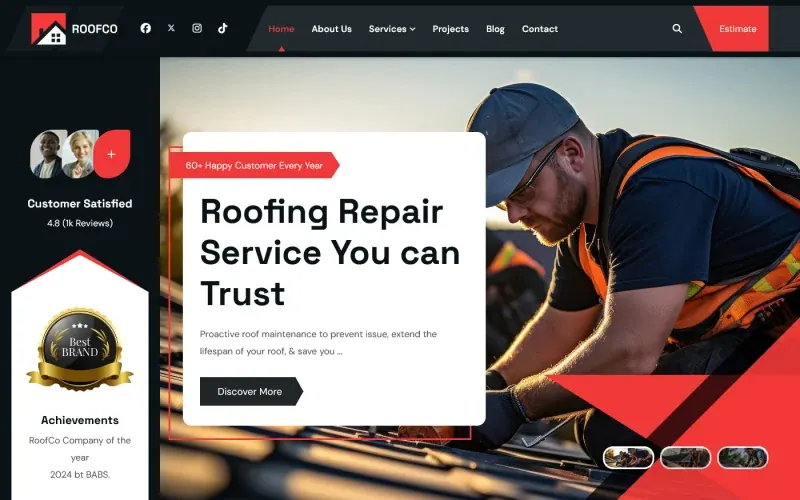
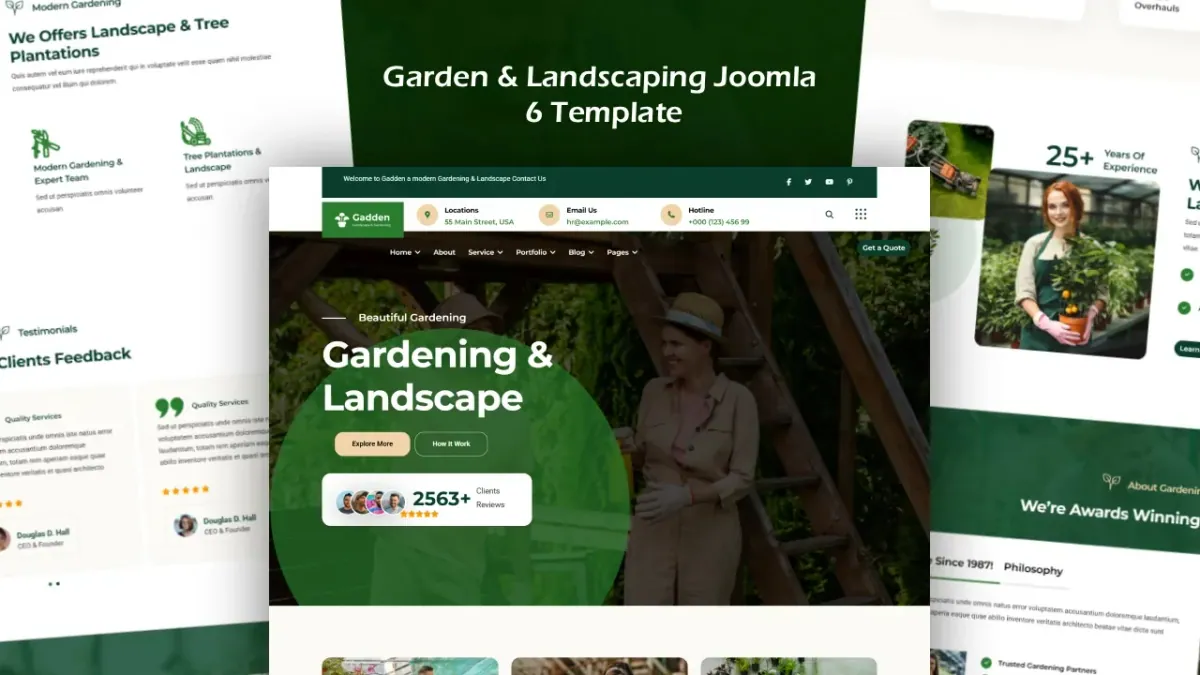
Two templates that work well with either route are Garden & Landscaping for service businesses and RoofCo for construction sites — both ship a structured demo you can strip down quickly.
The quickstart is a tool, not a strategy. Use it to get a working site fast, then treat the demo content as scaffolding: remove it before you build.